To subscribe a new calendar, you must use a computer web browser. You can’t subscribe to a calendar in the Google Calendar app for Android, iPhone, or iPad.
In the bottom left corner of the calendar you will find a link “Add to Google Calendar”. Click this link and it will open your Google Calendar in a new tab.

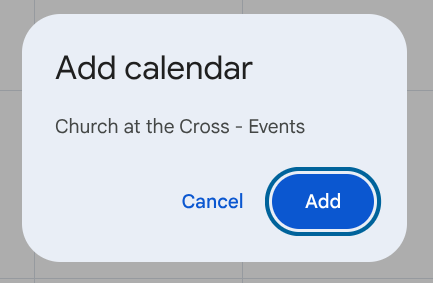
When your calendar opens in the new tab you should see a pop up that looks like this: Add calendar Church at the Cross – Events
Click the add button
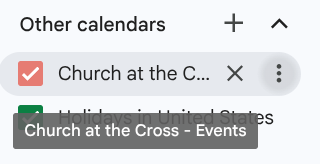
To confirm you are subscribed. You should now see “Church at the Cross – Events” listed under your Other calendars tab on the left hand side of your screen.